

DeltaVR: Player-Prompted 3D Model Generation Game Mechanics
This is a fork of the main DeltaVR project. To learn more about DeltaVR itself, look at the main repository's README.
This project is about investigating the feasibility of player-prompted runtime 3D model generation game mechanics. These are game mechanics that allow the player to generate arbitrary 3D objects using natural language speech. This project includes three mini-games that use this speech-to-3D system as a core game mechanic.
Mini-Games
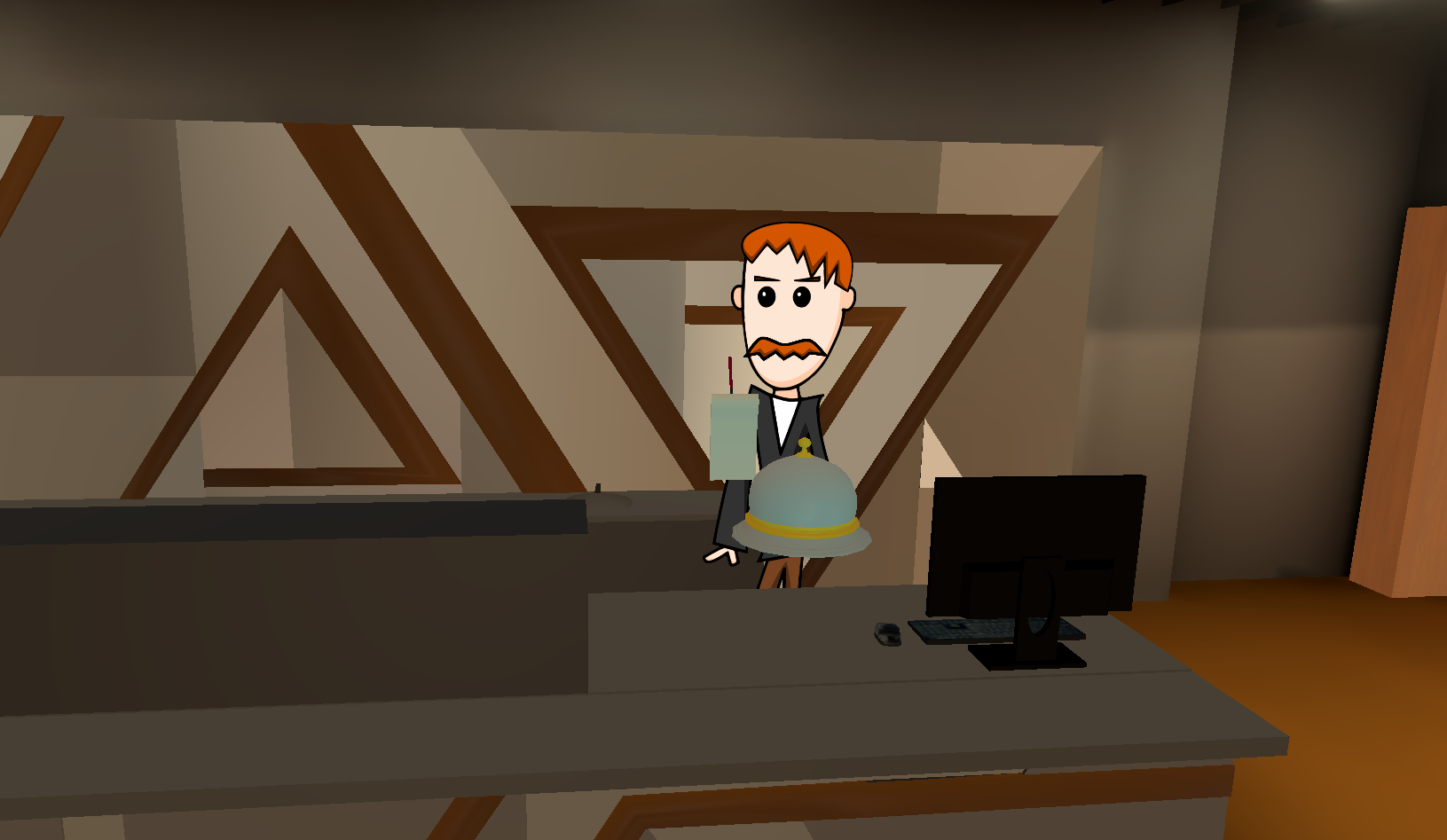
Delta Cafe
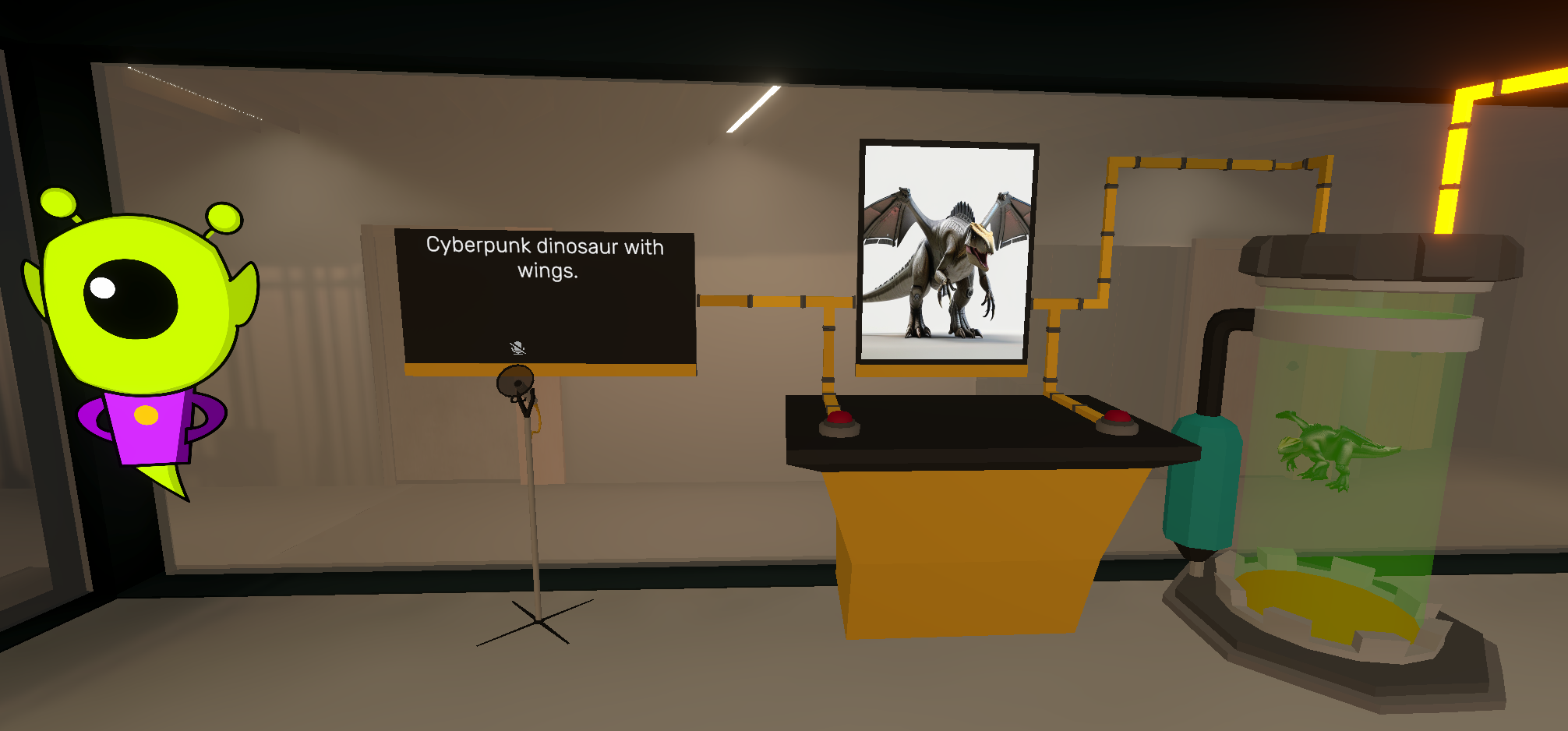
Archery Range
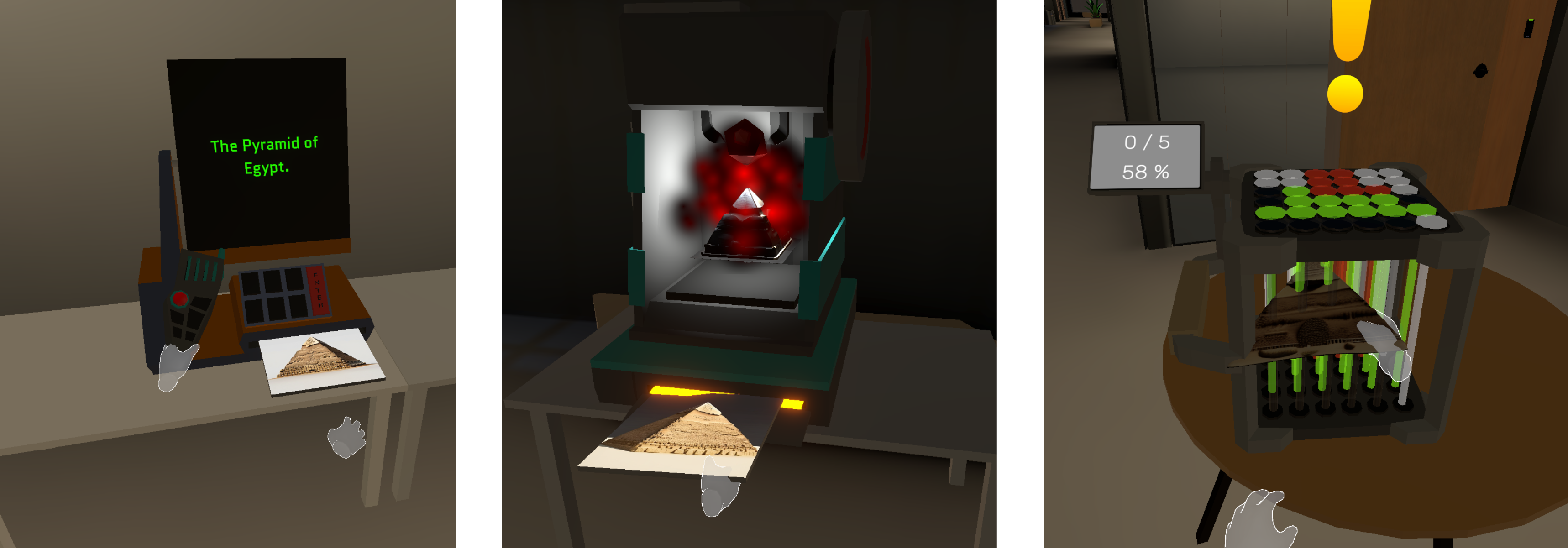
Shape Detection
Playthrough videos of each mini-game are available:
- on YouTube: https://www.youtube.com/playlist?list=PLqIwPfWyxyaH-YHn64jW59aFhQ5OKf9CW
- in UT Nextcloud: https://owncloud.ut.ee/owncloud/s/bYRRkJBn6AKJjQS
Thesis: https://thesis.cs.ut.ee/f4644170-7d79-438a-9612-8e79fee7b37c
Setup Instructions
The built version of the game is available here: https://owncloud.ut.ee/owncloud/s/tXBd4XGpbXTi7Hm.
The build and the editor version both rely on a speech-to-3D pipeline to function. This pipeline needs to be set up locally and consists of two additional software applications in addition to the Unity game itself: InvokeAI and TRELLIS.
InvokeAI
InvokeAI is used to generate images from text prompts. To install InvokeAI, follow the instructions in the official guide: https://invoke.ai/start-here/installation.
After installing it, an AI model needs to be set up in InvokeAI. This project has been tested with Stable Diffusion XL, but other models can also be used. Documentation on setting up models: https://invoke.ai/concepts/models.
Finally, to enable communication with InvokeAI across different computers, enable the Server Mode in InvokeAI settings.
TRELLIS
TRELLIS is used to generate 3D models based on images. The simplest way to install TRELLIS on Windows is via the one-click installer provided in this fork of the original TRELLIS repo: https://github.com/IgorAherne/trellis-stable-projectorz. The download package includes instructions on how to launch TRELLIS as a local API server. For the default configuration, use the following command:
.\run.bat --ip 0.0.0.0
Unity
In both editor mode and the built version, after first starting the game, the config.json file is created in the game's root directory. This file is used to persist configurable values between play sessions. The following values need to be set correctly for the game to be able to communicate with InvokeAI and TRELLIS:
invokeAiUrl- the URL of InvokeAI (for examplehttp://192.168.0.53:9090)invokeAiModelKey- the key of the specific model set up in InvokeAI to use. To see the keys of your installed models, send a GET request to{INVOKEAI_URL}/api/v2/models/?model_type=main(for example,http://192.168.0.53:9090/api/v2/models/?model_type=main)trellisUrl- the URL of TRELLIS (for example,http://192.168.0.53:7960)
The 3d-generation-pipeline folder includes Python notebooks and scripts that can be used to test the pipeline working together.
Unresolved bugs and potential improvements for the future
- continuous grabbing sound when grabbing with both hands at the same time: "(Un)requesting ownership of Cube"
- FMOD ChannelControl errors
- speech-to-text: investigate why Whisper still sometimes stops detecting speech
- glTF loading: investigate how to use the Universal Render Pipeline Lit shader for the glTF-loaded objects.
- NPC characters:
- glass wall is sometimes incorrectly visible in front of the NPC
- Delta Cafe:
- ability for players to rate the orders
- "order again" button
- Archery Range:
- NPC should repeat the last instruction when the player is not progressing
- reuse the UFO flying animation from Space Walk in the beginning, when NPC talks about looking out the window and the UFO attack + have the default UFO already in the model display capsule
- Shape Detection:
- explain to the player how to scale printed objects
- set min and max scale limits on printed objects
- set 3d printer soft particles to avoid sharp edges when particles go inside the printer wall
Credits
Samuel Saar
Creation of the following 3D models used in the mini-games:
- Delta Cafe: pen, notepad, serving tray
- Archery Range: capsule display, microphone stand, wires, table, screens
- Shape Detection: computer printer, 3D printer, radio transmitter, shape detector
Timur Nizamov
Sound effects and integrating voicelines into Unity
Madis Vasser
Voice acting for the Ufo and Professor characters
Ulrich Norbisrath
Voice acting for the Robert character
Ranno Samuel Adson
Technical help and tips for DeltaVR
(These credits are specifically for the work of this fork. Credits for the main DeltaVR project are shown in the main project's README.)
Developed in the Computer Graphics and Virtual Reality Study Lab of the Institute of Computer Science, University of Tartu.
